Computers, Tablets & Accessories / PRODUCT GUIDE
Apple Pencil (USB-C): check compatibility and features before buying
A precise note-taking stylus with tilt and hover on supported iPads, but no pressure sensitivity or wireless charging.
As an Amazon Associate I earn from qualifying purchases.
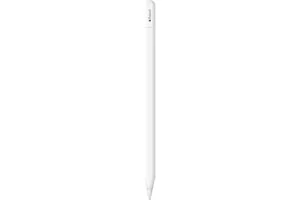
View Apple Pencil (USB-C) on Amazon (paid link) ↗
The exact Pencil and its iPad list
The linked product is Apple Pencil (USB-C), model MUWA3AM/A and ASIN B0CL7J12YK. Apple limits it to specific iPad generations and iPadOS 17.1.1 or later. Its compatible list includes specified iPad Pro 11-inch and 12.9-inch generations, iPad Air 4th and 5th generation, listed M2–M4 Air sizes, iPad (10th generation) and iPad (A16), plus iPad mini (6th generation) and mini (A17 Pro). Check the iPad’s model name in Settings before ordering; a USB-C connector on the tablet alone does not guarantee compatibility.
What it does well for notes and markup
Apple describes pixel-level precision, low latency and tilt sensitivity. That makes it suitable for handwriting, sketching with angled shading, annotating PDFs and signing documents in supported apps. Those features help explain its appeal, but app tools and palm-rejection behavior vary by app and iPad. The Pencil does not turn every iPad app into a full drawing program.
The USB-C cap is part of the charging routine
The Pencil pairs and charges using a USB-C cable after you slide the end cap open. It attaches magnetically to the side of compatible iPads for storage, but that magnetic attachment does not wirelessly pair or charge it. Keep a USB-C cable available when the Pencil needs power, and avoid confusing it with the Apple Pencil Pro or second-generation Pencil, which have different attachment and charging behavior.
Hover is limited to specific iPads
Apple Pencil hover previews a mark before the tip touches the screen, but Apple supports this feature only on select iPad Pro and Air models. The Pencil itself may be compatible for writing on a broader list than it is for hover. If hover matters to you, compare the precise iPad generation in Apple’s hover list, not only the general compatibility list.
The key limitation for drawing: no pressure sensitivity
Apple’s own Pencil feature comparison shows pressure sensitivity on Apple Pencil Pro but not on Apple Pencil (USB-C). The USB-C Pencil does support tilt, so shading can respond to how you angle it; brush pressure will not vary based on how firmly you press. It also lacks the Pro model’s double-tap tool switching and automatic wireless pairing/charging. For lecture notes, forms and everyday markup, those omissions may not matter. For pressure-driven digital painting, they may be decisive.
Magnetic storage is not a protective case
The Pencil attaches magnetically along the iPad edge for storage, which makes it easier to keep nearby. It does not replace a secure carrying case, and attachment depends on the compatible iPad’s design. If your iPad already lives in a case, check that the case leaves the magnetic area accessible and that the Pencil will not be knocked loose in a bag.
Compare Apple Pencil Pro when drawing controls matter
Apple Pencil Pro is the meaningful upgrade if your compatible iPad supports it and you want pressure sensitivity, double-tap tool changes, or automatic wireless pairing and charging. It is not compatible with every iPad that supports the USB-C Pencil. Confirm both the iPad model and the feature list before paying more; the Pro features cannot be added to the USB-C Pencil with a software setting.
Compare Logitech Crayon for classroom or shared use
Logitech Crayon is another stylus to compare for handwriting and drawing on compatible iPads. Review the exact Crayon generation’s charging connector, compatibility list and feature behavior before choosing. Apple Pencil (USB-C) is the direct Apple-made option and includes tilt; a third-party stylus can suit a classroom workflow, but support and app behavior depend on its specific model.
Who should choose the USB-C Pencil
It fits iPad users who mainly take notes, annotate, sign and make sketches, and whose exact iPad appears on Apple’s supported list. Pass if you need pressure-sensitive brush strokes, wireless charging, double-tap controls, or a model that works with an older unsupported iPad. Check iPadOS, model compatibility, case clearance and whether USB-C cable charging fits your routine. This guide is based on Apple’s published feature and compatibility information, not Ryan’s drawing test.
Compare the shopping options
Apple Pencil Pro — compare pressure sensitivity and wireless charging
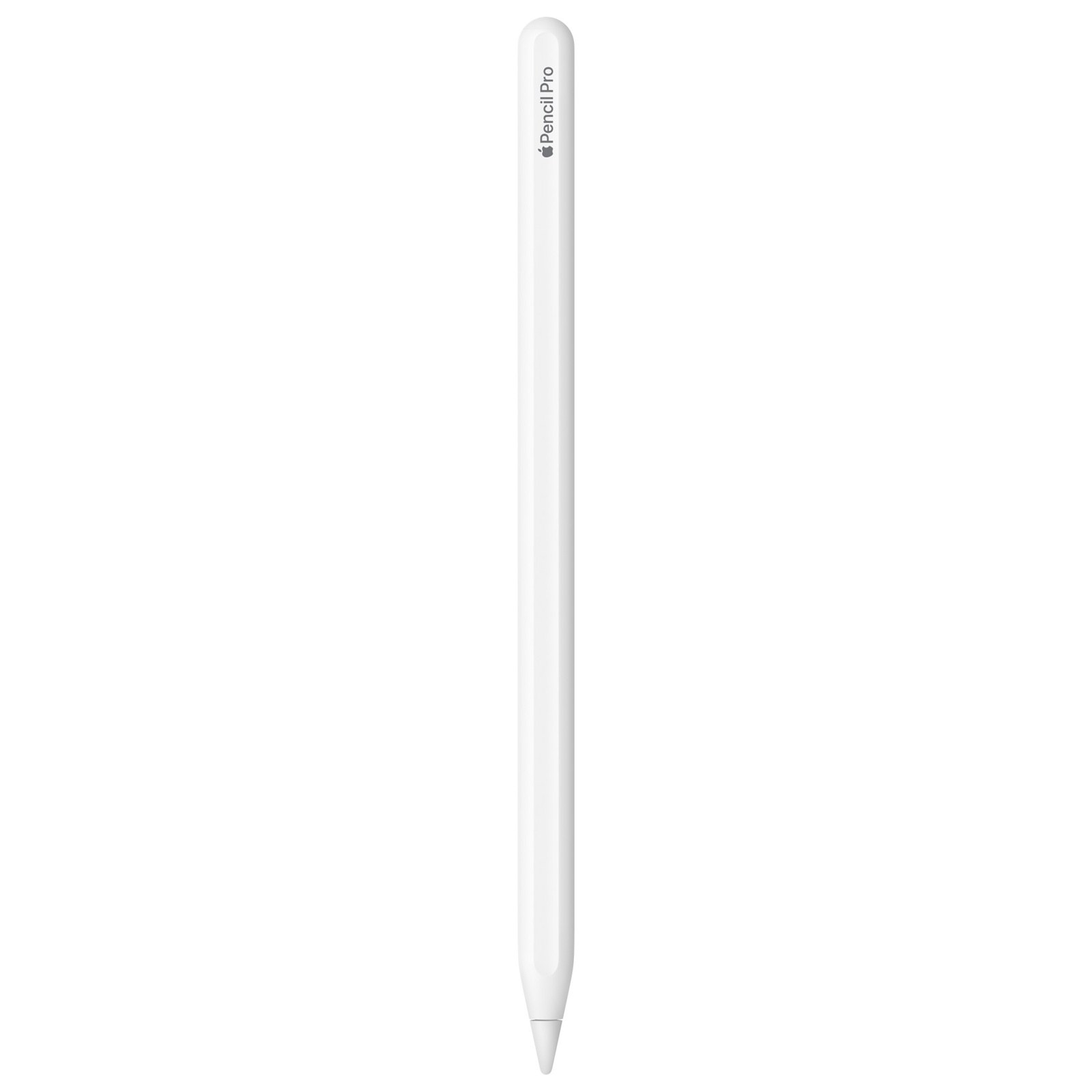
Product photo: PB Tech product photo
Logitech Crayon — compare a third-party iPad stylus
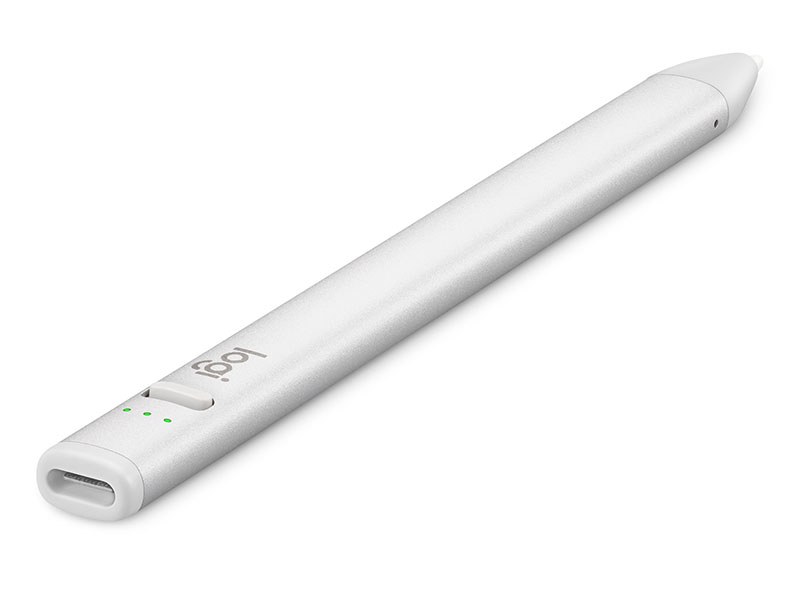
Product photo: iAri product photo
Sources and review basis
Researched November 18, 2026. Ryan’s own experience is attributed where supplied. Other judgments are buying advice based on the cited product information, not a hands-on comparison or laboratory test. Prices and availability are checked at the retailer.
- Apple Pencil (USB-C) product details, feature comparison and compatibility
- Apple Pencil compatibility list and iPadOS minimum version
- Apple Pencil USB-C technical specifications
- Product photo: Apple Pencil Pro — compare pressure sensitivity and wireless charging
- Product photo: Logitech Crayon — compare a third-party iPad stylus