RYAN’S FINDS / BUYING GUIDE
AZIO IZO or Logitech MK270: build a desk around how you type
A compact mechanical setup versus a full-size keyboard-and-mouse combo. Start with noise, number entry and connection type.
As an Amazon Associate I earn from qualifying purchases.
The AZIO IZO and Logitech MK270 solve different desk problems. The IZO is worth considering when the layout and feel of a mechanical keyboard are part of the appeal. The MK270 is a simpler starting point when you want a full-size keyboard and mouse together. Neither choice needs to be the better keyboard for everyone.
Choose the layout before the look
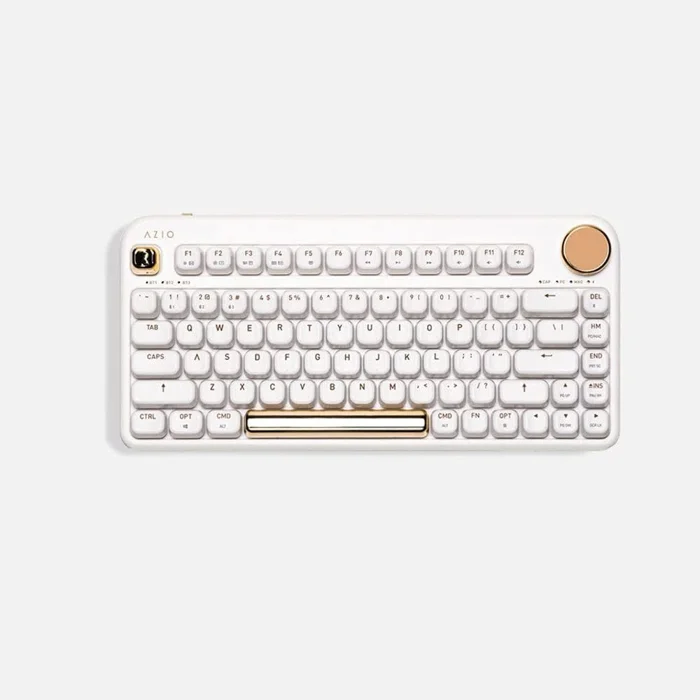
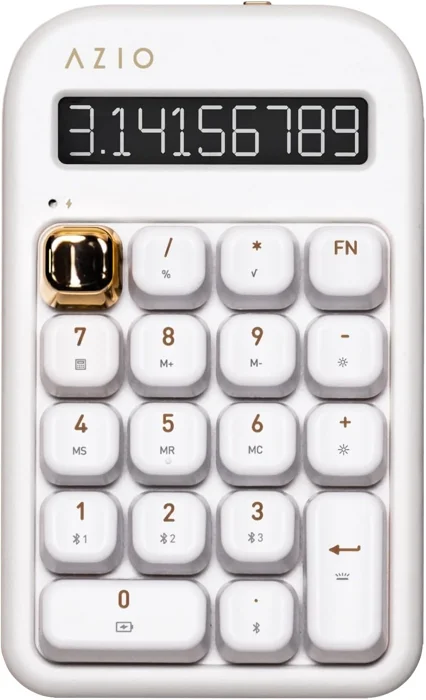
The IZO separates the number pad from the main keyboard. That gives you a choice: keep the pad nearby for number-heavy work, move it out of the way, or skip buying it. Think about the task you repeat most often. Writing and browsing may not call for a number pad; entering a spreadsheet full of figures might.
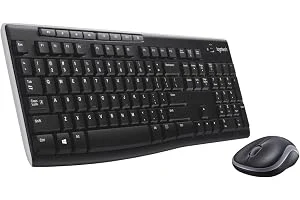
The MK270 has a number pad built into its full-size layout. You have fewer separate pieces to arrange. Measure the space you actually use for both keyboard and mouse, especially on a narrow desk. A keyboard that fits across the desk can still leave too little room for your mouse movement.
Mechanical clicks are a preference
The White Blossom IZO listing covered here uses Gateron Blue clicky switches. That is a reason to investigate it if you enjoy audible key feedback, and a reason to pause if you share a room or take frequent calls at your desk. We have not measured its sound or compared typing fatigue. Do not treat a mechanical switch as an automatic productivity upgrade.
If sound matters, listen to a demonstration of the exact switch and consider your microphone placement. A video can suggest the character of a sound, but its volume will depend on how it was recorded. Neither this guide nor the photos establish which keyboard you will find comfortable.
Bluetooth versus a USB receiver
AZIO lists Bluetooth and USB connectivity for the IZO. Its support notes flag possible Bluetooth compatibility issues with Mac Studio, so check the current guidance for your particular computer. The MK270 uses a USB receiver. That receiver needs an available compatible port; do not buy it expecting a Bluetooth connection.
Check the computer, operating system and ports before comparing colors. An adapter, if needed, changes both the cost and the setup. Do not assume every feature works identically across systems just because the keyboard can connect.
Compare the whole shopping basket
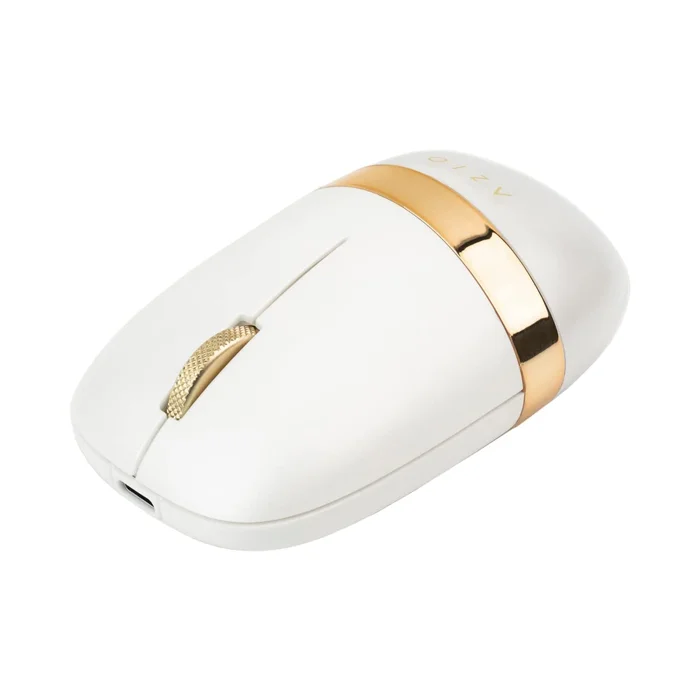
The IZO calculator/number pad and matching mouse are separate choices. The number pad offers a standalone calculator function as well as computer input. That could suit someone who wants a calculator on the desk, but it is an extra object if an on-screen calculator already meets the need. A matching mouse is optional; keeping a mouse you like is perfectly reasonable.
Compare the current delivered price of the IZO pieces you actually want with the MK270 combo. Verify what each listing includes. A photograph of a coordinated desk does not mean every accessory is included.
Our shortlist
Choose the IZO to explore a compact, clicky mechanical setup with an optional number pad. Choose the MK270 to start with a full-size keyboard-and-mouse combination using a receiver. Skip both if your real need is a different physical layout or a specific ergonomic feature these listings do not establish.
Compare the exact products
AZIO IZO mechanical keyboard, White Blossom
AZIO IZO mechanical calculator and number pad, White Blossom
AZIO IZO Bluetooth mouse, White Blossom
Logitech MK270 keyboard and mouse combo (Black)
Sources and comparison basis
Ryan’s personal experience is identified where he supplied it. Other comparisons use the sources below and do not claim hands-on testing or ownership. Prices and availability can change.