Camera & Creator / PRODUCT GUIDE
Blue Yeti USB microphone: four patterns are useful only with good placement
The classic Blue Yeti is a desktop USB condenser microphone with four pickup patterns, direct headphone monitoring, gain control and a mute button. It can cover solo voice, two-person interviews and stereo experiments without an audio interface, but its sensitivity to room reflections and desk noise makes microphone position more important than selecting a pattern and leaving it across the desk.
As an Amazon Associate I earn from qualifying purchases.
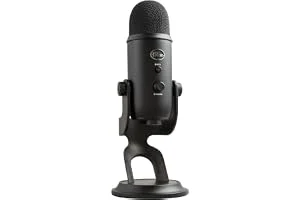
Identify the classic Yeti, not Yeti X or Yeti Nano
ASIN B00N1YPXW2 is the classic Logitech Creators Blue Yeti USB microphone in the catalog. Logitech also sells Yeti X and smaller Yeti-family models with different controls and specifications. Confirm the exact model name, color, connector shown in the current listing and included cable before buying accessories. A shock mount or boom arm labeled for another Yeti body may not fit.
USB makes it a direct-to-computer microphone
The Yeti connects to a computer by USB and does not require a separate XLR audio interface for its normal workflow. Logitech says the included cable supports plug-and-play setup without a driver. That simplicity is useful for streaming, podcasting, calls and voiceover. It is less flexible than an XLR system when you want to use a mixer, long balanced cable runs or several professional microphones through one interface.
Cardioid should be the starting pattern for one voice
Cardioid focuses on the front of the microphone and reduces sound from directly behind it. Use it for one speaker, a stream or a voiceover, and speak toward the side marked as the front rather than into the top. Keep the mic close enough that your voice is strong relative to the room, then lower gain as needed. A pattern cannot remove a loud fan, hard-wall echo or keyboard sitting beside the mic.
Bidirectional can handle a face-to-face conversation
Bidirectional mode records from the front and rear while rejecting more from the sides. It can simplify a two-person interview across a table, but both speakers need sensible distance and level. A single center microphone also records the room and any table bumps shared by both people. Two close microphones on separate channels give more editing control when the interview matters.
Omnidirectional and stereo are specialized choices
Omnidirectional mode captures around the microphone and can document a group or room ambience, while stereo preserves left-right placement for music, ASMR or multiple sources. Both modes intentionally collect more of the environment. They are poor fixes for a noisy untreated room. Monitor a test through headphones and listen for air conditioning, computer fans, traffic and reflections before recording a full session.
The headphone jack and controls support real-time checks
Yeti provides a headphone output for latency-free monitoring, a headphone level control, microphone gain and instant mute. Monitoring catches clipping, cable problems and accidental room noise before the take is finished. Set the computer’s input level and the microphone gain deliberately; turning both up does not create detail that was never captured and can make noise or distortion more obvious.
A boom arm can improve both sound and desk space
The supplied desktop stand makes the Yeti easy to start with, but it can leave the capsule too far from the speaker and transmit desk impacts. A compatible boom arm brings it closer while moving the stand off the desk surface. Add a pop filter for close speech and route the cable so it does not pull on the mount. Confirm thread size, weight capacity and Yeti compatibility before ordering an arm or shock mount.
Condenser sensitivity is a benefit and a drawback
The three-capsule condenser array can capture detailed voice and instrument sound, but it also reveals room acoustics and handling noise. Soft furnishings, closer placement and reduced gain often help more than a software preset. Logitech’s Blue VO!CE processing requires the compatible G HUB software; it can shape tone and dynamics, but it cannot perfectly remove echo or clipping baked into the recording.
Compare RØDE NT-USB Mini for a compact cardioid-only workflow
The photographed RØDE NT-USB Mini is a smaller cardioid condenser with USB-C, 24-bit/48 kHz conversion, a built-in pop filter, magnetic desk stand and zero-latency headphone monitoring. It gives up Yeti’s four patterns, which is acceptable when most work is one person speaking from the front. Its compact body and focused controls may be the better desk fit for a solo podcast or stream.
Compare AT2020USB-X for higher-resolution cardioid recording
The photographed Audio-Technica AT2020USB-X is a cardioid side-address condenser with USB-C, direct headphone monitoring, a mic/computer mix control, touch mute and support up to 24-bit/96 kHz. It does not provide Yeti’s omni, bidirectional or stereo modes. Choose it when a conventional single-pattern studio-style USB mic and monitoring controls matter more than one microphone covering several pickup arrangements.
The buying call
Choose the classic Yeti when you will use more than one pickup pattern, want direct monitoring and prefer an all-in-one USB desk microphone. Choose the NT-USB Mini for a compact solo-voice setup or the AT2020USB-X for a focused cardioid mic with higher-resolution options and a mix control. Skip all three if your workflow requires XLR mixing or a less room-sensitive stage dynamic microphone. Ryan has not claimed to own or test this Yeti; this is a source-based guide.
Compare the shopping options
RØDE NT-USB Mini — compact 24-bit cardioid USB microphone
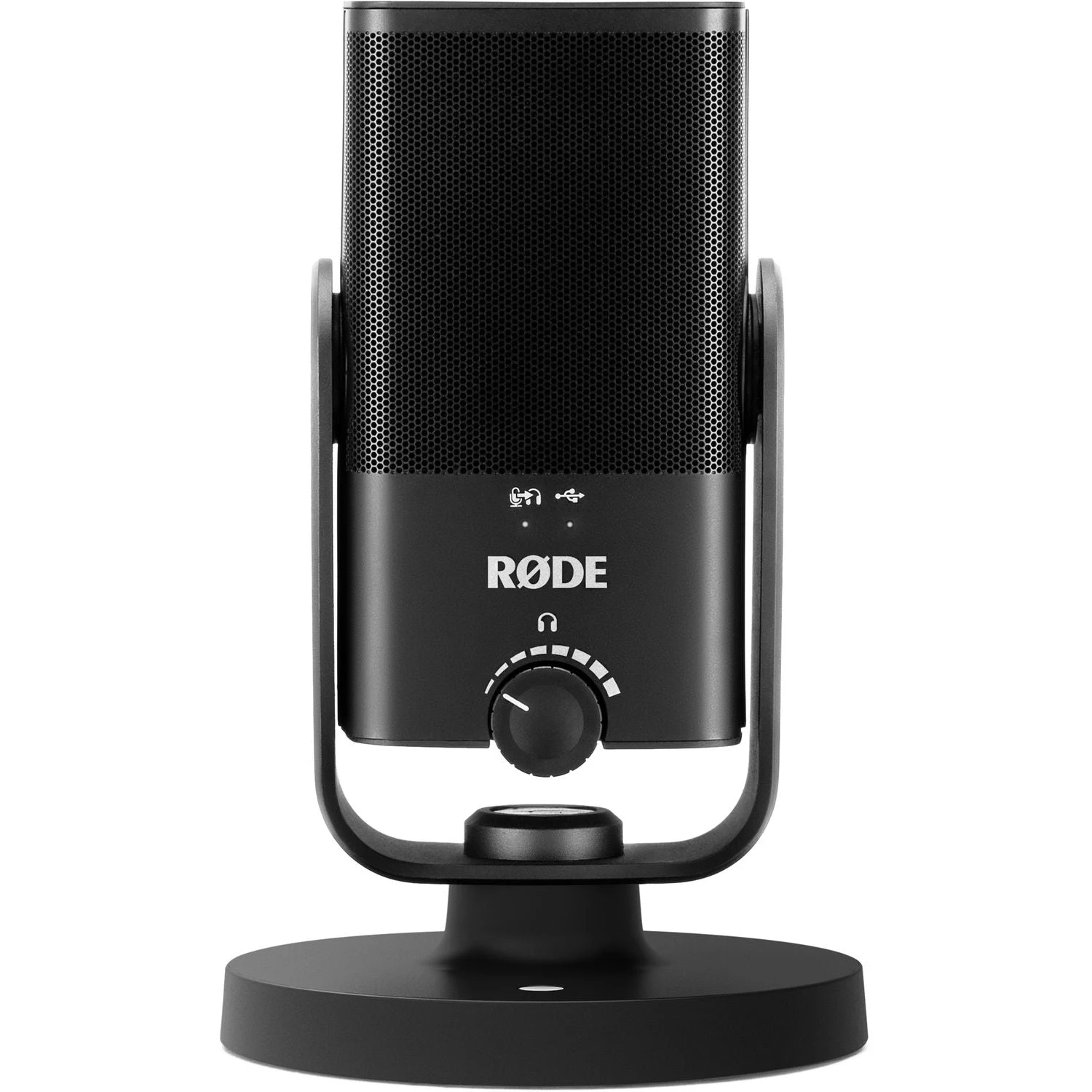
Product photo: CameraMall retailer product photo
Audio-Technica AT2020USB-X — cardioid USB-C microphone with mix control
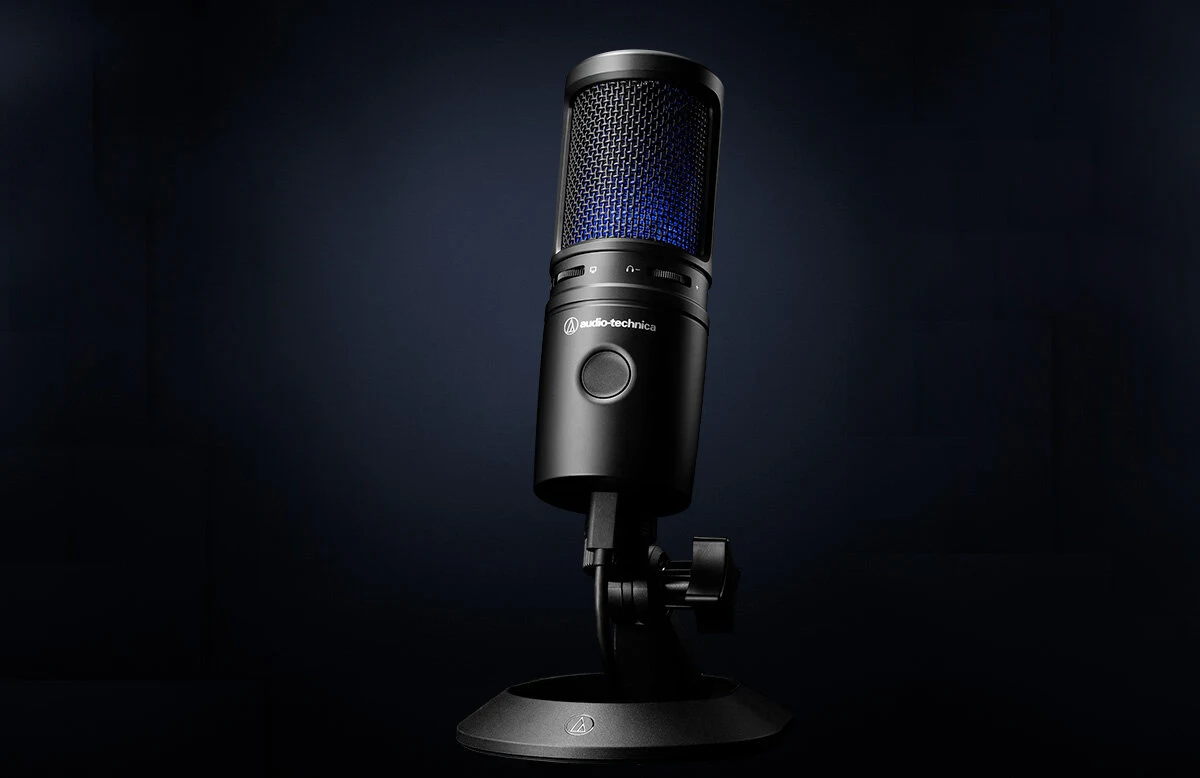
Product photo: Audio-Technica product photo
Sources and review basis
Researched November 19, 2026. Ryan’s own experience is attributed where supplied. Other judgments are buying advice based on the cited product information, not a hands-on comparison or laboratory test. Prices and availability are checked at the retailer.
- Logitech official Yeti product page: controls, USB setup, monitoring and software features
- Logitech official classic Blue Yeti quick-start guide with pattern and placement guidance
- Amazon listing for classic Blue Yeti, ASIN B00N1YPXW2 (paid link)
- RØDE official NT-USB Mini product page and specifications
- Audio-Technica official AT2020USB-X manual and specifications
- Product photo: RØDE NT-USB Mini — compact 24-bit cardioid USB microphone
- Product photo: Audio-Technica AT2020USB-X — cardioid USB-C microphone with mix control