Computers, Tablets & Accessories / PRODUCT GUIDE
Logitech G305: an AA-powered gaming mouse with a receiver to keep track of
A practical look at the HERO sensor, LIGHTSPEED receiver, replaceable battery, small symmetrical shell and modern alternatives.
As an Amazon Associate I earn from qualifying purchases.
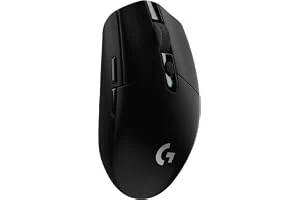
View Logitech G305 LIGHTSPEED gaming mouse (Black) on Amazon (paid link) ↗
What the G305 setup actually includes
The G305 LIGHTSPEED is a wireless gaming mouse that connects through Logitech’s USB receiver, not Bluetooth. Logitech lists the mouse and LIGHTSPEED receiver in the box; the exact Amazon bundle should be checked before purchase, especially if buying used or refurbished. A USB-A port is needed for the receiver unless you use an adapter. If you want one mouse to switch between a tablet and laptop over Bluetooth, this is the wrong connection style.
The HERO sensor gives a clear adjustment range
Logitech lists the HERO optical sensor at 200 to 12,000 DPI, with the ability to adjust sensitivity in software or with its DPI button. It has six programmable buttons: the two main clicks, scroll-wheel click, forward, back and DPI button. That is enough for a straightforward game profile without a row of side buttons. Logitech G HUB is optional for software tuning, but advanced button setup depends on using it.
Wireless performance depends on the supplied 2.4GHz receiver
The G305 uses Logitech G’s 2.4GHz LIGHTSPEED wireless system. Logitech rates its minimum report interval at 1ms and lists a range up to 10 meters in its quick-start material. The receiver-based connection can keep a cable off the desk while still targeting game use. It also occupies a USB port, and a receiver left in a desktop tower or hub may be farther from the mouse than ideal. The included extender cable can help position it nearer to the mousepad; verify exact-box contents on the listing.
AA battery convenience comes with extra weight
One replaceable AA battery powers it, with Logitech advertising up to 250 hours under its stated gaming conditions. That is a run-to-die estimate, not a promised calendar interval. The mouse weighs 75g without the battery and 99g with a standard AA, so it is not as light as many newer rechargeable competitors. A lithium AA can reduce weight, but it is an extra purchase and still means batteries rather than USB-C charging.
The shape is compact and fairly simple
Its 116.6 × 62.15 × 38.2mm shell is relatively short and narrow, and Logitech lists the shape as symmetrical. The two side buttons sit on the left side, so the control layout is not equally useful for left-handed thumb operation. Consider hand size and grip: the compact shell may suit fingertip or claw handling better than a large palm grip. A spec sheet cannot tell you which shape will be comfortable over a long session, so try a similar small mouse first if possible.
No RGB can be a benefit or a miss
The G305 does not have RGB lighting. That keeps its feature set restrained and avoids lighting effects competing for attention, but it offers less desk customization than the wired Logitech G203. The top shell color changes by selected version, while the sensor and wireless concept remain the core of the product. Confirm the black color option if that is what you want; Amazon product pages sometimes group special colors and bundles.
Compare Razer Viper V3 HyperSpeed for a different wireless shape
Razer’s Viper V3 HyperSpeed is a more modern AA-powered wireless comparison with a right-handed symmetrical shape, Focus Pro 30K sensor and Razer Synapse configuration. Razer advertises up to 280 hours, also a manufacturer estimate. It is larger and designed for claw or fingertip grips, and optional high-polling accessories cost extra. Compare your hand position and software ecosystem rather than deciding from the DPI ceiling alone.
Compare Logitech G203 if you prefer wired and illuminated
The G203 is the direct same-brand alternative when a cable is acceptable and you want LIGHTSYNC RGB. Logitech lists a six-button layout and gaming-grade sensor, while a wired mouse avoids the G305’s AA battery and wireless receiver. A cable can drag or require management, and there is no receiver to unplug when moving between machines. Pick the G305 for wireless freedom; choose the G203 if a stationary desk and lighting matter more.
Who should choose the G305
Shortlist it if you want a compact receiver-based wireless mouse, a familiar AA power source and enough controls for everyday PC games. Pass if you need Bluetooth, rechargeable USB-C power, a very light shell, a high-button-count layout or left-side buttons on both sides. Confirm the exact black G305 listing, receiver and battery inclusion. This guide uses Logitech’s published specifications and makes no claim that Ryan personally tested this model.
Compare the shopping options
Razer Viper V3 HyperSpeed — compare its right-hand shape and sensor
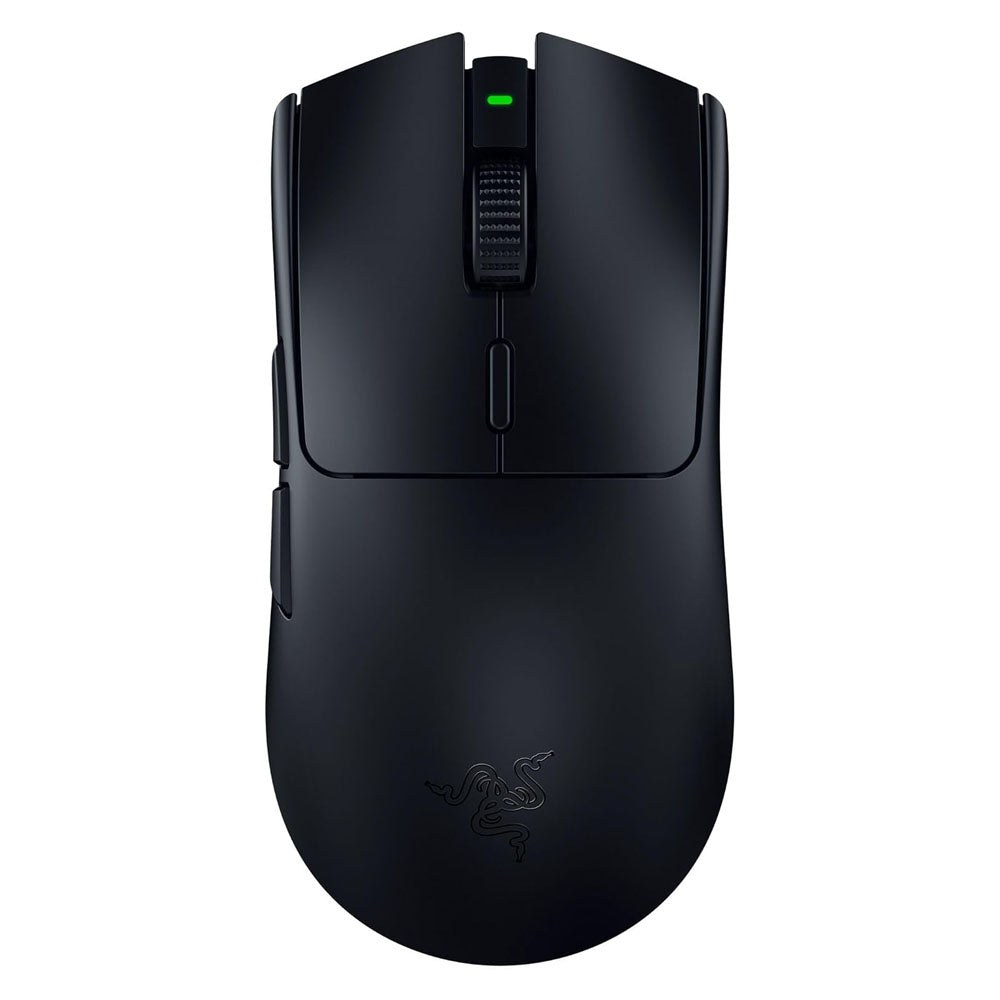
Product photo: Challenger Singapore product photo
Logitech G203 — compare a wired RGB mouse
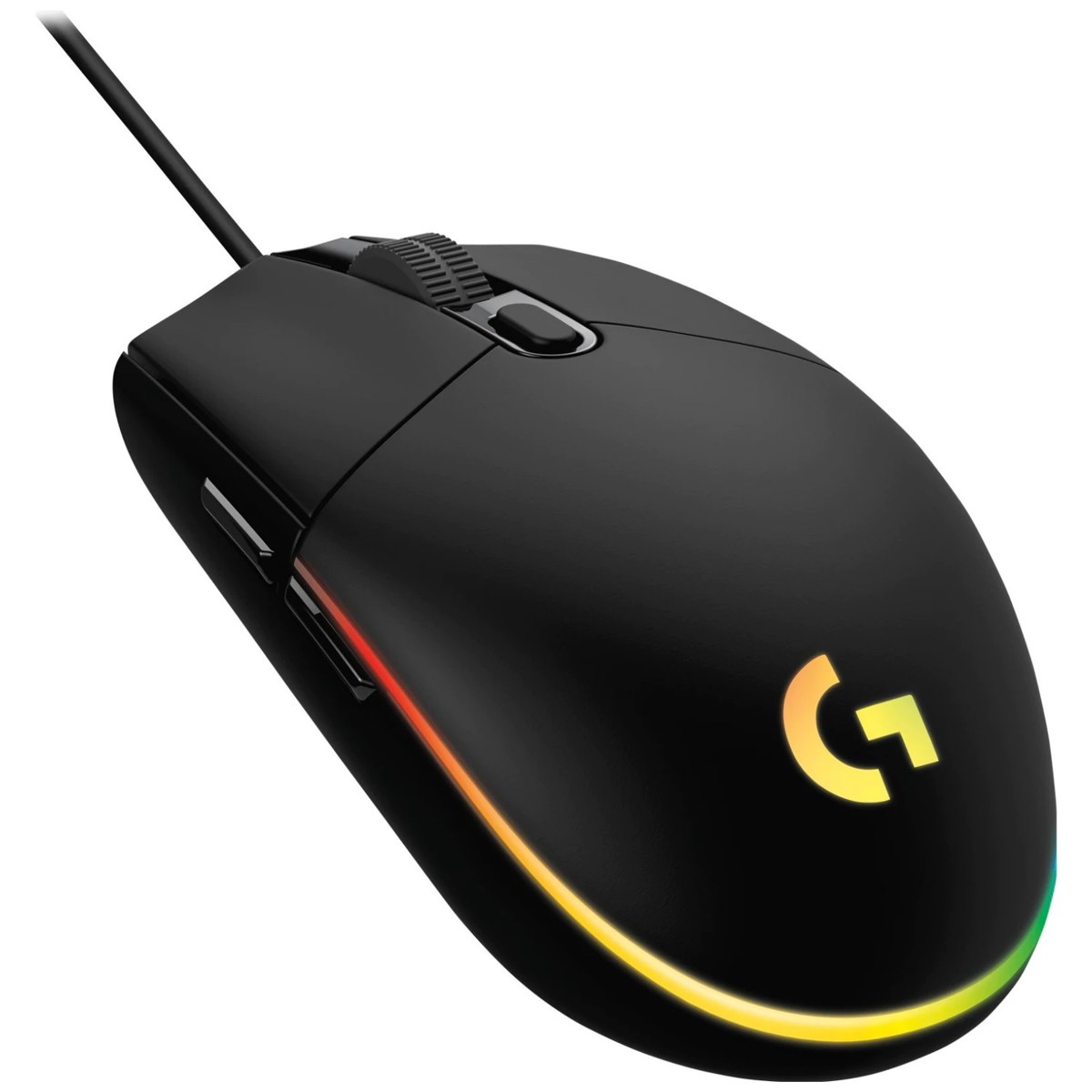
Product photo: Fastshop product photo
Sources and review basis
Researched November 18, 2026. Ryan’s own experience is attributed where supplied. Other judgments are buying advice based on the cited product information, not a hands-on comparison or laboratory test. Prices and availability are checked at the retailer.
- Logitech G305 product features
- Logitech G305 technical specifications
- Logitech G305 quick-start guide and receiver setup
- Razer Viper V3 HyperSpeed product details
- Logitech G203 product details
- Product photo: Razer Viper V3 HyperSpeed — compare its right-hand shape and sensor
- Product photo: Logitech G203 — compare a wired RGB mouse